
In today’s fast-paced digital world, businesses and individuals are constantly looking for ways to work smarter, reduce repetitive tasks, and improve productivity. One of the most significant technological trends driving this transformation is the rise of no-code automation platforms. These powerful tools enable users to automate workflows, connect applications, and streamline operations without writing a single line of code.
Whether you’re a small business owner, marketer, entrepreneur, freelancer, or enterprise manager, no-code automation platforms can help you save time, reduce errors, and focus on high-value activities. As artificial intelligence and digital transformation continue to evolve, no-code automation has become one of the most accessible and impactful technologies available today.
In this comprehensive guide, we’ll explore what no-code automation platforms are, how they work, their benefits, popular tools, real-world use cases, and what the future holds for this rapidly growing industry.
What Are No-Code Automation Platforms?
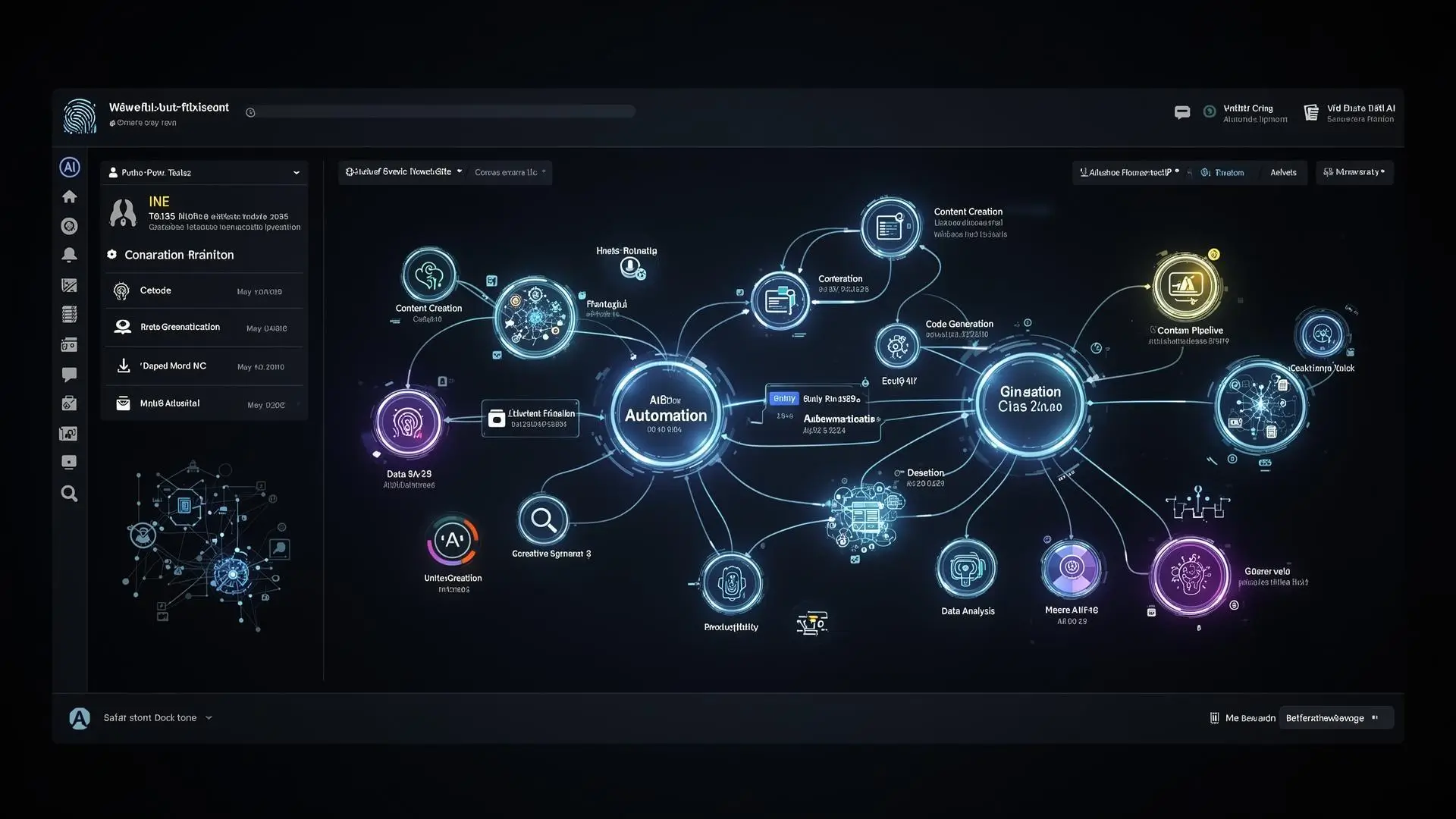
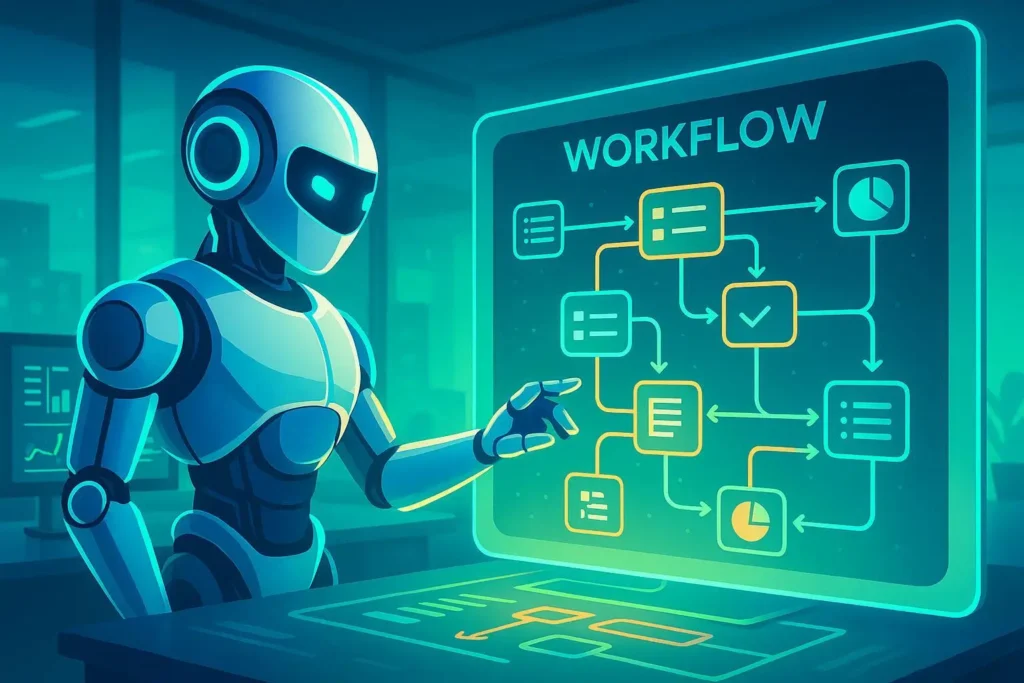
No-code automation platforms are software solutions that allow users to create automated workflows using visual interfaces rather than traditional programming languages. Instead of writing code, users can drag and drop components, configure triggers, and connect different applications through intuitive visual builders.
These platforms eliminate many of the technical barriers traditionally associated with software development and process automation. As a result, individuals with little or no programming experience can build sophisticated workflows that automate repetitive tasks and business processes.
Examples of tasks that can be automated include:
- Sending emails automatically
- Updating spreadsheets
- Managing customer data
- Posting on social media
- Creating reports
- Processing invoices
- Managing project workflows
- Synchronizing databases
- Generating notifications
- Integrating multiple business applications
No-code automation platforms have democratized automation by putting powerful tools directly into the hands of business users.
Why No-Code Automation Platforms Are Growing So Quickly
The global demand for automation has increased dramatically over the past decade. Organizations face increasing pressure to improve efficiency while reducing operational costs. At the same time, there is a worldwide shortage of software developers.
No-code automation platforms solve both problems by enabling non-technical users to create solutions independently.
Several factors have contributed to their explosive growth:
Increased Demand for Digital Transformation
Businesses across all industries are adopting digital technologies faster than ever. Automation helps organizations modernize their operations without requiring large development teams.
Labor Shortages
Many companies struggle to hire enough software engineers. No-code platforms allow business teams to create their own automated workflows without waiting for developer resources.
Remote Work Expansion
The rise of remote and hybrid work environments has increased the need for digital process automation, collaboration tools, and workflow optimization.
Artificial Intelligence Integration
Modern no-code platforms increasingly incorporate artificial intelligence features, making automation smarter, faster, and more accessible.
Lower Development Costs
Traditional software development can be expensive and time-consuming. No-code automation significantly reduces development costs while accelerating deployment.
How No-Code Automation Platforms Work
At their core, no-code automation platforms operate using a simple concept:
Trigger → Action → Outcome
A trigger initiates a workflow, which then performs one or multiple actions automatically.
For example:
Example Workflow
Trigger:
A customer submits a contact form on your website.
Actions:
- Create a new customer record in the CRM
- Send a welcome email
- Notify the sales team via Slack
- Create a follow-up task in a project management system
Outcome:
The entire customer onboarding process happens automatically without human intervention.
Most no-code automation platforms use visual workflow builders that allow users to:
- Select triggers
- Add conditions
- Configure actions
- Test workflows
- Monitor automation performance
- Modify workflows when needed
This visual approach makes automation accessible to virtually anyone.
Key Features of No-Code Automation Platforms
Modern no-code automation platforms offer a wide variety of features designed to simplify business operations.
Visual Workflow Builders
Visual editors allow users to create workflows using drag-and-drop interfaces rather than writing complex code.
Application Integrations
Most platforms provide pre-built integrations with hundreds or thousands of applications, including:
- Email platforms
- CRM systems
- Project management tools
- Social media platforms
- Cloud storage services
- Payment processors
- Marketing software
Conditional Logic
Users can create decision-based workflows using if-then conditions and branching logic.
Scheduling Automation
Automations can run:
- In real time
- Hourly
- Daily
- Weekly
- Monthly
- On custom schedules
Artificial Intelligence Capabilities
Many platforms now integrate AI features such as:
- Text generation
- Data analysis
- Image recognition
- Predictive analytics
- Intelligent recommendations
Monitoring and Analytics
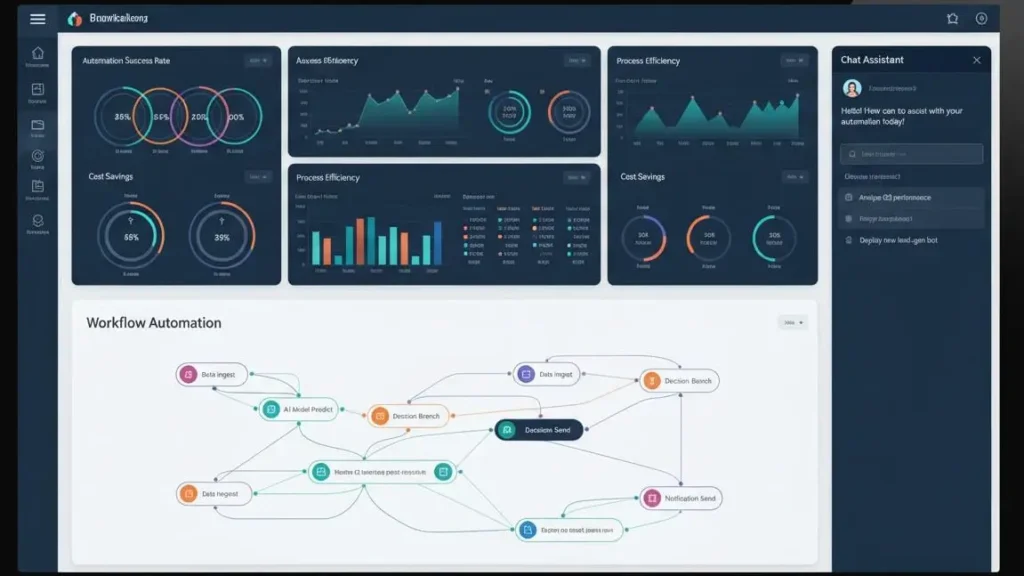
Users can monitor workflow performance through dashboards and reports that provide insights into automation efficiency.
Benefits of Using No-Code Automation Platforms
The popularity of no-code automation platforms stems largely from the enormous advantages they provide.
Increased Productivity
Employees spend less time on repetitive administrative tasks and more time on strategic activities.
Reduced Human Error
Automation minimizes mistakes caused by manual data entry and repetitive processes.
Faster Business Operations
Tasks that previously required hours can often be completed in seconds.
Lower Costs
Organizations can reduce labor costs and decrease their dependence on expensive software development resources.
Greater Flexibility
Workflows can be modified quickly without requiring extensive programming knowledge.
Improved Employee Satisfaction
Employees generally prefer focusing on meaningful work rather than repetitive tasks.
Enhanced Scalability
Businesses can expand operations without proportionally increasing staffing requirements.

Popular No-Code Automation Platforms
Numerous no-code automation platforms have emerged in recent years. Each offers unique strengths and features.
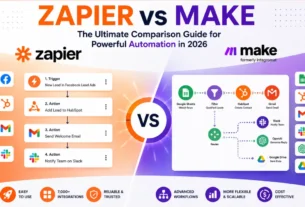
Zapier
Zapier is one of the most widely recognized no-code automation platforms in the world.
Key features include:
- Thousands of integrations
- User-friendly interface
- Multi-step workflows
- AI-powered automation
- Extensive app ecosystem
Zapier is particularly popular among small businesses, entrepreneurs, and marketing professionals.
Make (Formerly Integromat)
Make offers a highly visual approach to workflow automation.
Advantages include:
- Advanced workflow customization
- Powerful visual editor
- Flexible data handling
- Complex conditional logic
- Cost-effective pricing
Many power users prefer Make because of its flexibility.
Microsoft Power Automate
Microsoft Power Automate integrates deeply with the Microsoft ecosystem.
Benefits include:
- Office 365 integration
- Enterprise security
- Robotic process automation
- AI Builder tools
- Business process workflows
It is particularly popular among enterprise organizations.
Airtable Automations
Airtable combines databases with workflow automation.
Features include:
- Visual databases
- Team collaboration
- Automated triggers
- Workflow customization
- Project management capabilities
N8N
N8N has become increasingly popular among businesses seeking greater control.
Advantages include:
- Open-source flexibility
- Self-hosting options
- Extensive customization
- Advanced workflow logic
- Lower long-term costs
Real-World Applications of No-Code Automation
No-code automation platforms are used across virtually every industry.
Marketing Automation
Marketing teams use automation to:
- Schedule social media posts
- Generate leads
- Send email campaigns
- Track customer journeys
- Manage advertising campaigns
Sales Automation
Sales departments automate:
- Lead qualification
- Customer onboarding
- Follow-up sequences
- CRM updates
- Sales reporting
Customer Support
Support teams automate:
- Ticket routing
- Customer notifications
- FAQ responses
- Feedback collection
- Escalation workflows
Human Resources
HR departments use automation for:
- Employee onboarding
- Document processing
- Interview scheduling
- Training management
- Performance tracking
Finance and Accounting
Financial teams automate:
- Invoice processing
- Expense tracking
- Payment reminders
- Reporting
- Budget management
E-Commerce
Online businesses automate:
- Order processing
- Inventory updates
- Shipping notifications
- Customer communications
- Review requests
No-Code vs Low-Code Platforms
Although often grouped together, no-code and low-code platforms differ significantly.
No-Code Platforms
No-code platforms:
- Require no programming knowledge
- Use visual interfaces
- Target business users
- Prioritize simplicity
- Enable rapid deployment
Low-Code Platforms
Low-code platforms:
- Require some coding skills
- Offer greater customization
- Target developers and technical teams
- Support complex applications
- Allow custom scripting
The choice depends largely on the complexity of your automation needs.
Challenges and Limitations of No-Code Automation
Despite their advantages, no-code platforms also have limitations.
Limited Customization
Certain highly specialized workflows may require custom programming.
Vendor Dependency
Businesses may become dependent on specific platform providers.
Pricing Scalability
Costs can increase significantly as automation usage grows.
Integration Restrictions
Some applications may not support every desired integration.
Performance Constraints
Very large or highly complex workflows may encounter performance limitations.
Understanding these challenges helps organizations make informed decisions.

How Artificial Intelligence Is Transforming No-Code Automation
Artificial intelligence is revolutionizing no-code automation platforms.
AI-powered features now include:
Natural Language Workflow Creation
Users can describe workflows using plain language, and AI builds the automation automatically.
Predictive Analytics
AI can analyze historical data to predict future outcomes.
Intelligent Decision Making
Automation systems can make increasingly sophisticated decisions without human intervention.
AI Content Generation
Automated systems can generate:
- Emails
- Reports
- Marketing content
- Product descriptions
- Customer responses
Smart Process Optimization
Artificial intelligence continuously improves workflow performance over time.
The combination of AI and no-code technology represents one of the most exciting developments in business automation.
Industries Being Transformed by No-Code Automation
Several industries are experiencing major transformations through automation.
Healthcare
Healthcare providers automate:
- Patient scheduling
- Medical records processing
- Insurance claims
- Appointment reminders
Education
Educational institutions automate:
- Student enrollment
- Communication workflows
- Administrative tasks
- Learning management systems
Real Estate
Real estate professionals automate:
- Lead management
- Property listings
- Client communication
- Contract workflows
Manufacturing
Manufacturers automate:
- Inventory management
- Supply chain operations
- Quality control
- Production monitoring
Financial Services
Banks and financial institutions automate:
- Customer onboarding
- Compliance checks
- Risk analysis
- Transaction monitoring
Best Practices for Implementing No-Code Automation
To maximize success, organizations should follow several best practices.
Start Small
Begin with simple workflows before implementing complex automation systems.
Identify Repetitive Tasks
Focus on high-volume, repetitive activities that consume valuable employee time.
Document Processes
Clearly map workflows before building automation.
Test Thoroughly
Always test automations before deploying them at scale.
Monitor Performance
Regular monitoring ensures workflows continue operating efficiently.
Train Employees
Provide adequate training to encourage adoption and maximize benefits.
The Future of No-Code Automation Platforms
The future of no-code automation platforms looks exceptionally promising.
Several trends are likely to shape the industry:
Greater AI Integration
Artificial intelligence will become deeply embedded in automation platforms.
Hyperautomation
Organizations will automate increasingly complex end-to-end business processes.
Voice-Based Automation
Users may soon create workflows through conversational interfaces.
Autonomous Business Processes
AI agents could eventually manage entire operational workflows independently.
Expanded Accessibility
Automation tools will become even easier to use for non-technical individuals.
Industry analysts predict that no-code and low-code technologies will become essential components of digital transformation strategies worldwide.
Conclusion
No-code automation platforms are fundamentally changing how businesses and individuals approach productivity, efficiency, and innovation. By removing the traditional barriers associated with software development, these platforms empower virtually anyone to automate workflows, reduce costs, and accelerate growth.
As artificial intelligence continues to evolve, no-code automation platforms will become even more powerful, intelligent, and accessible. Organizations that embrace automation today will be better positioned to compete in an increasingly digital economy.
Whether you’re a freelancer looking to save time, a small business owner seeking efficiency, or an enterprise pursuing digital transformation, no-code automation platforms offer unprecedented opportunities to automate work without programming expertise.
The future of automation is no longer reserved for developers—it’s available to everyone.