Introduction
Running a small business in 2026 is more challenging and competitive than ever. Entrepreneurs are expected to manage marketing, customer service, sales, accounting, project management, and daily operations—all while trying to grow their businesses. The good news is that modern automation technology can significantly reduce repetitive tasks and improve productivity.
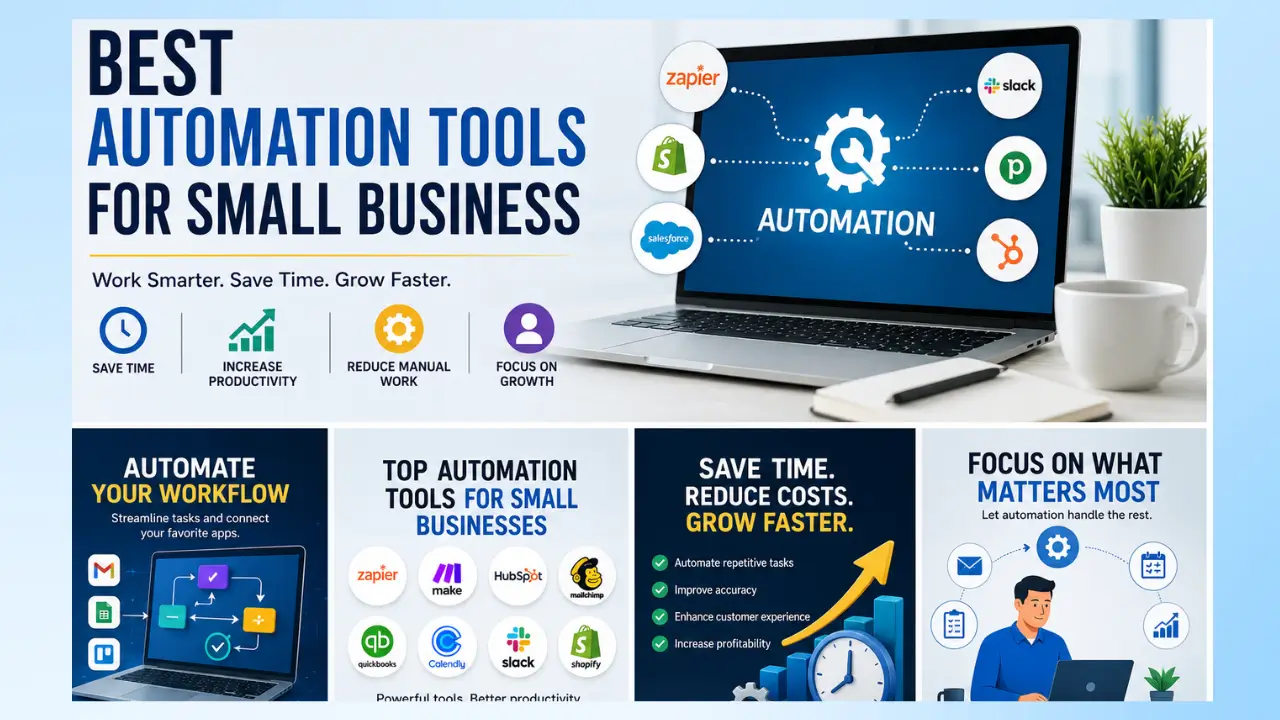
The best automation tools for small business owners help streamline workflows, save time, reduce costs, and improve customer experiences. Instead of spending hours on manual processes, business owners can automate routine activities and focus on strategy, innovation, and revenue growth.
Whether you operate an online store, marketing agency, consulting firm, or local service business, automation tools can transform the way you work. In this guide, we’ll explore the best automation tools for small business growth in 2026, their features, benefits, and how to choose the right solution for your needs.
Why Small Businesses Need Automation
Automation tools is no longer a luxury reserved for large corporations. Today, affordable automation solutions allow small businesses to compete with larger organizations by improving efficiency and scalability.
Some key benefits include:
Increased Productivity
Employees spend less time on repetitive tasks and more time on high-value activities.
Reduced Human Error
Automated systems follow predefined rules, minimizing costly mistakes.
Better Customer Experience
Customers receive faster responses, personalized interactions, and improved service.
Lower Operating Costs
Businesses can handle larger workloads without significantly increasing payroll expenses.
Improved Scalability
Automation allows businesses to grow without dramatically expanding their workforce.
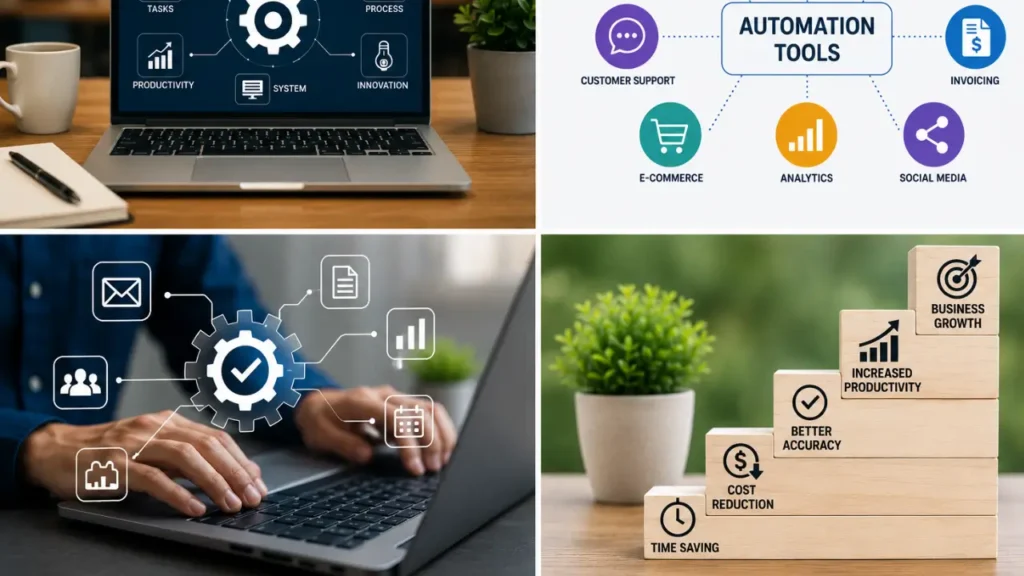
According to recent industry reports, companies that implement automation effectively can improve productivity by up to 30% while significantly reducing operational costs.
1. Zapier
Why Zapier Is One of the Best Automation Tools for Small Business
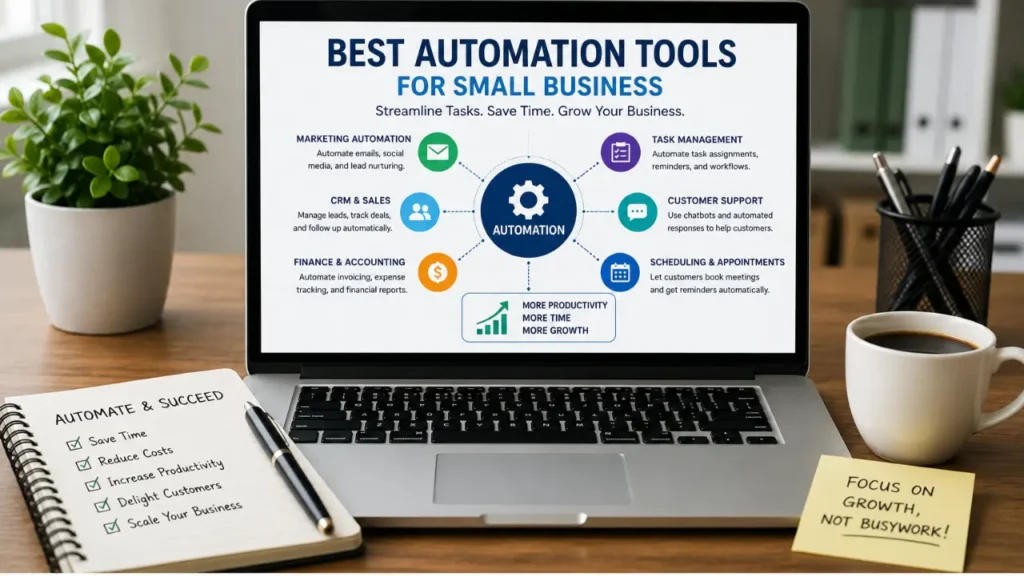
Zapier is one of the most popular automation platforms available today. It allows businesses to connect thousands of apps without coding.
Key Features
- Connect over 7,000 applications
- Automated workflows called “Zaps”
- AI-powered workflow suggestions
- Multi-step automation
- Conditional logic
Best For
- Marketing automation
- Lead management
- Customer support
- E-commerce workflows
Example
When a customer fills out a website form, Zapier can automatically:
- Add the lead to a CRM
- Send a welcome email
- Notify the sales team
- Create a follow-up task
All of this happens without manual intervention.
2. Make (Formerly Integromat)
Advanced Automation for Growing Businesses
Make offers a visual workflow builder that many users find more flexible than traditional automation platforms.
Key Features
- Visual automation editor
- Advanced logic and branching
- Real-time monitoring
- Data transformation tools
- Extensive integrations
Best For
- Complex workflows
- Data processing
- Multi-app automation
- Advanced users
Advantages
Many businesses prefer Make because it provides greater control over workflow customization while remaining affordable.
3. HubSpot
Marketing and CRM Automation
HubSpot combines customer relationship management with powerful marketing automation tools.
Key Features
- Email automation
- Lead nurturing
- CRM integration
- Sales pipeline management
- Customer service automation
Best For
- Small sales teams
- Lead generation
- Customer retention
- Marketing campaigns
Benefits
HubSpot helps businesses automate customer interactions throughout the entire sales journey.
4. Mailchimp
Email Marketing Automation Made Easy
Mailchimp remains one of the most trusted email marketing platforms for small businesses.
Key Features
- Automated email sequences
- Customer segmentation
- Behavioral targeting
- AI content recommendations
- Analytics dashboard
Best For
- Email campaigns
- Customer engagement
- E-commerce marketing
- Newsletters
Example Automation
A new subscriber can automatically receive:
- Welcome email
- Educational content
- Product recommendations
- Promotional offers
Without any manual effort.
5. Trello Automation
Simplifying Project Management
Trello includes built-in automation through Butler, making project management easier.
Key Features
- Task automation
- Automatic card movement
- Deadline reminders
- Workflow triggers
- Team collaboration
Best For
- Project tracking
- Team productivity
- Small teams
- Workflow organization
Automation ensures projects continue moving forward without constant supervision.
6. QuickBooks Online
Accounting Automation for Small Businesses
QuickBooks Online automates many financial processes that traditionally consume valuable time.
Key Features
- Automated invoicing
- Expense tracking
- Tax preparation assistance
- Bank synchronization
- Financial reporting
Best For
- Freelancers
- Service businesses
- Retail stores
- Consultants
Benefits
Business owners gain better financial visibility while reducing bookkeeping workloads.
7. Calendly
Appointment Scheduling Automation
Calendly eliminates the endless back-and-forth emails required to schedule meetings.
Key Features
- Automated scheduling
- Calendar synchronization
- Meeting reminders
- Payment integration
- Team scheduling
Best For
- Consultants
- Coaches
- Agencies
- Sales teams
Example
Clients can choose available appointment times, receive confirmations, and get reminders automatically.

8. ChatGPT and AI Assistants
AI-Powered Business Automation
OpenAI has transformed business automation through artificial intelligence.
Key Features
- Content generation
- Customer support assistance
- Research automation
- Document creation
- Workflow assistance
Best For
- Content marketing
- Customer service
- Internal productivity
- Knowledge management
How Small Businesses Use AI
Many small businesses use AI to:
- Write blog posts
- Create social media content
- Draft emails
- Answer customer questions
- Generate marketing ideas
This dramatically reduces the time spent on content creation and communication.
9. Slack Workflow Builder
Team Communication Automation
Slack offers workflow automation that improves communication and collaboration.
Key Features
- Automated onboarding
- Approval requests
- Team notifications
- Workflow forms
- Process automation
Best For
- Remote teams
- Internal communication
- Process management
- Employee onboarding
Benefits
Teams stay aligned while reducing repetitive communication tasks.
10. Shopify Flow
E-Commerce Automation
For online store owners, Shopify Flow provides powerful automation capabilities.
Key Features
- Inventory management
- Order processing
- Customer segmentation
- Fraud detection
- Marketing automation
Best For
- E-commerce stores
- Product-based businesses
- Online retailers
Example
Shopify Flow can automatically:
- Tag high-value customers
- Notify staff of low inventory
- Launch marketing campaigns
- Process customer segments
How to Choose the Best Automation Tool for Your Small Business
Not every business needs every automation platform. The best choice depends on your specific goals and challenges.
Consider these factors:
Budget
Choose a solution that fits your current financial situation while allowing room for growth.
Ease of Use
Many small business owners prefer no-code platforms that require minimal technical expertise.
Integration Options
Ensure the automation tool works with your existing software ecosystem.
Scalability
Select a platform capable of supporting future growth.
Customer Support
Reliable support can save significant time when troubleshooting issues.
Common Automation Mistakes to Avoid
Many businesses struggle with automation because they make avoidable mistakes.
Automating Bad Processes
Automation improves existing processes but doesn’t fix poorly designed workflows.
Starting Too Big
Begin with one or two workflows before attempting large-scale automation projects.
Ignoring Employee Training
Staff members should understand how automation tools function and how they support business goals.
Not Measuring Results
Track productivity improvements, cost savings, and return on investment.
Future Trends in Small Business Automation
The future of automation is evolving rapidly.
AI-Powered Decision Making
Artificial intelligence will increasingly make recommendations and optimize workflows automatically.
Hyperautomation
Businesses will connect multiple automation technologies into unified ecosystems.
Voice-Controlled Automation
Voice assistants will manage business workflows through simple commands.
Predictive Automation
Systems will anticipate customer behavior and business needs before human intervention is required.
Advanced Personalization
Automation will deliver highly personalized customer experiences at scale.
These innovations will help small businesses operate more efficiently than ever before.
How Automation Increases Small Business Profitability
One of the biggest reasons small businesses invest in automation is profitability. Every minute spent on repetitive administrative work is time that could be used for sales, customer relationships, or business development. Automation helps business owners maximize their resources without necessarily hiring additional employees.
For example, a small e-commerce business may spend several hours each week manually updating inventory, responding to customer inquiries, and sending order confirmations. By automating these processes, the company can reduce labor costs and improve customer satisfaction simultaneously.
Automation also helps businesses:
- Increase revenue opportunities
- Reduce operational expenses
- Improve customer retention
- Speed up response times
- Minimize costly mistakes
- Improve employee productivity
Over time, even small efficiency gains can have a significant impact on overall profitability. Businesses that automate effectively often discover that they can handle more customers and larger workloads without dramatically increasing their operating costs.
Real-World Examples of Small Business Automation
Many small businesses are already experiencing the benefits of automation across different industries.
Retail Businesses
Retail stores use automation to manage inventory levels, process online orders, and send personalized promotions to customers. Automated systems can notify managers when stock levels fall below a certain threshold, preventing lost sales due to inventory shortages.
Marketing Agencies
Marketing agencies automate client reporting, lead generation, email campaigns, and social media scheduling. This allows agencies to serve more clients while maintaining consistent service quality.
Professional Services
Consultants, accountants, and legal professionals use automation tools for appointment scheduling, client onboarding, document management, and invoicing. These automations reduce administrative work and allow professionals to spend more time serving clients.
Healthcare Practices
Medical offices and wellness clinics automate appointment reminders, patient intake forms, billing processes, and follow-up communications. This improves patient satisfaction while reducing staff workload.
Real Estate Businesses
Real estate professionals use automation to nurture leads, schedule property viewings, send market updates, and manage client communications. Automated follow-ups help ensure that no potential client is overlooked.
These examples demonstrate how automation can benefit virtually any type of small business.
Essential Business Processes You Should Automate First
Business owners often wonder where to begin when implementing automation. The best approach is to start with repetitive tasks that consume the most time.
Email Marketing
Email marketing remains one of the highest-return marketing channels available. Automated email campaigns can nurture leads, educate customers, and drive sales without requiring constant manual effort.
Examples include:
- Welcome sequences
- Abandoned cart emails
- Customer onboarding emails
- Promotional campaigns
- Re-engagement campaigns
Lead Management
When new leads enter your sales funnel, automation can instantly assign them to the appropriate team member, send follow-up emails, and update your CRM system.
Customer Support
Automated chatbots and AI assistants can answer common questions, provide support resources, and route complex issues to human representatives.
Invoicing and Payments
Automated invoicing systems help ensure timely billing while reducing accounting errors. Payment reminders can also improve cash flow by encouraging faster payments.
Social Media Management
Social media scheduling tools allow businesses to plan and publish content across multiple platforms automatically, maintaining a consistent online presence.
Starting with these high-impact areas often delivers immediate benefits and builds confidence for more advanced automation projects.
AI-Powered Automation: The Next Evolution of Business Productivity
Artificial intelligence is taking automation to an entirely new level. Traditional automation follows predefined rules, while AI-powered automation can learn, adapt, and make recommendations based on data.
Small businesses are increasingly using AI tools to:
- Generate marketing content
- Analyze customer behavior
- Predict sales trends
- Improve customer support
- Create product descriptions
- Produce blog articles
- Develop social media campaigns
AI-powered automation can significantly reduce the time required for tasks that previously demanded human creativity and decision-making.
For example, a small online store can use AI to generate personalized product recommendations for each customer based on browsing behavior and purchase history. This level of personalization was once only available to large corporations with extensive technology budgets.
As AI technology continues to advance, small businesses will gain access to increasingly sophisticated automation capabilities that were previously unimaginable.
Measuring the Success of Your Automation Strategy
Implementing automation is only the first step. Businesses should also measure the effectiveness of their automation initiatives.
Key performance indicators (KPIs) include:
Time Saved
Track how many hours employees save each week after automation implementation.
Cost Reduction
Measure decreases in labor costs and operational expenses.
Customer Satisfaction
Monitor customer feedback, response times, and support metrics.
Revenue Growth
Determine whether automation contributes to increased sales or improved customer retention.
Error Reduction
Compare error rates before and after implementing automated workflows.
Regular monitoring helps businesses identify opportunities for optimization and maximize return on investment.
Final Thoughts: Why Small Businesses Cannot Ignore Automation in 2026
The business landscape is becoming increasingly digital, competitive, and customer-focused. Small businesses that continue relying heavily on manual processes may struggle to keep pace with competitors who embrace automation technologies.
The best automation tools for small business operations provide more than convenience—they create a foundation for long-term growth. By automating repetitive tasks, businesses can improve productivity, enhance customer experiences, reduce costs, and scale more effectively.
Whether you start with simple email automation, CRM workflows, AI-powered content creation, or comprehensive business process automation, the key is to begin now. Every automated task represents time saved, opportunities captured, and resources that can be redirected toward growing your business.
In 2026 and beyond, automation will no longer be a competitive advantage—it will be a business necessity. Small business owners who adopt the right automation tools today will be better prepared to thrive in an increasingly automated future.
Frequently Asked Questions About the Best Automation Tools for Small Business
What is the best automation tool for small businesses?
Zapier is often considered the best overall choice because of its ease of use and extensive integrations. However, Make offers more advanced workflow capabilities for businesses with complex automation needs.
Are automation tools expensive?
Many platforms offer affordable plans suitable for small businesses. Some even provide free tiers that allow companies to begin automating processes without significant investment.
Can automation replace employees?
Automation is designed to handle repetitive tasks, allowing employees to focus on strategic and creative work rather than replacing them entirely.
Is coding required?
Most modern automation platforms use no-code or low-code interfaces, making them accessible to non-technical users.
How quickly can a business see results?
Many businesses experience time savings and productivity improvements within weeks of implementing automation.